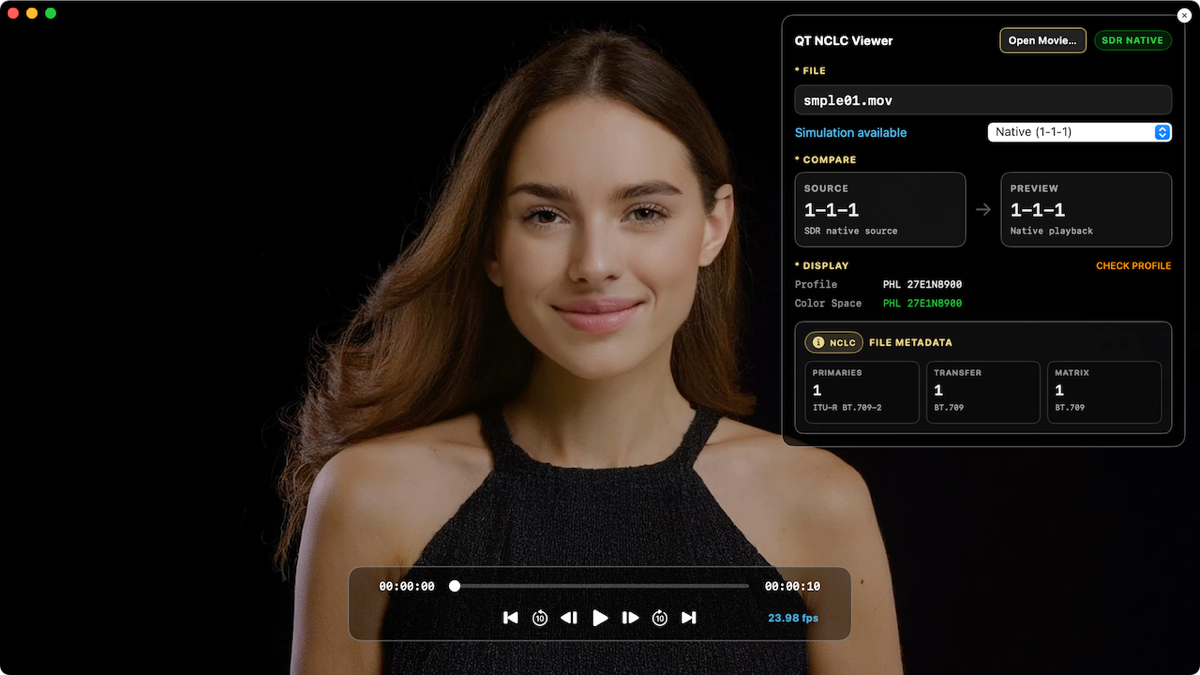

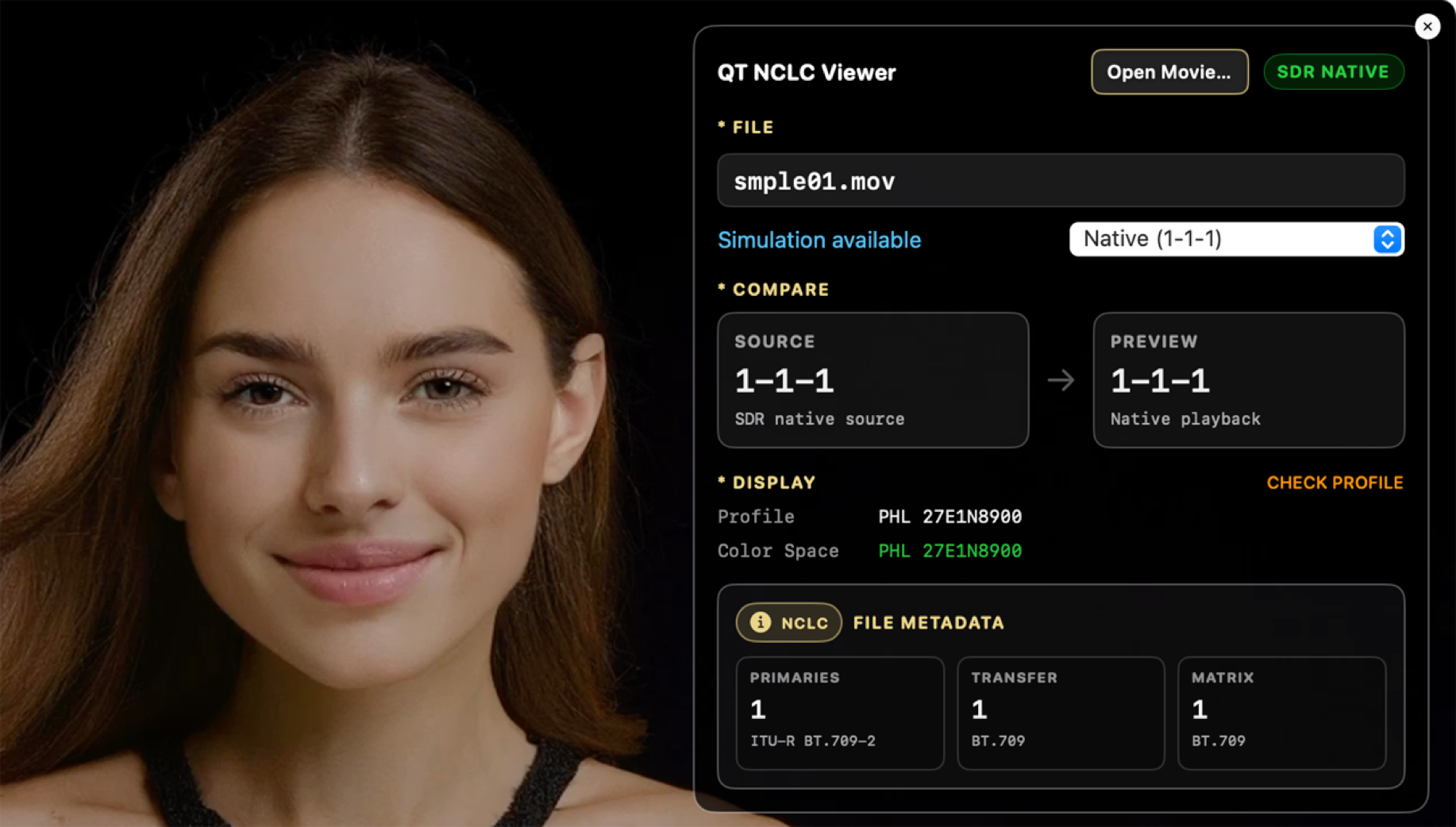

また、Command + Option + I のショートカットでも表示のオン/オフが可能です。
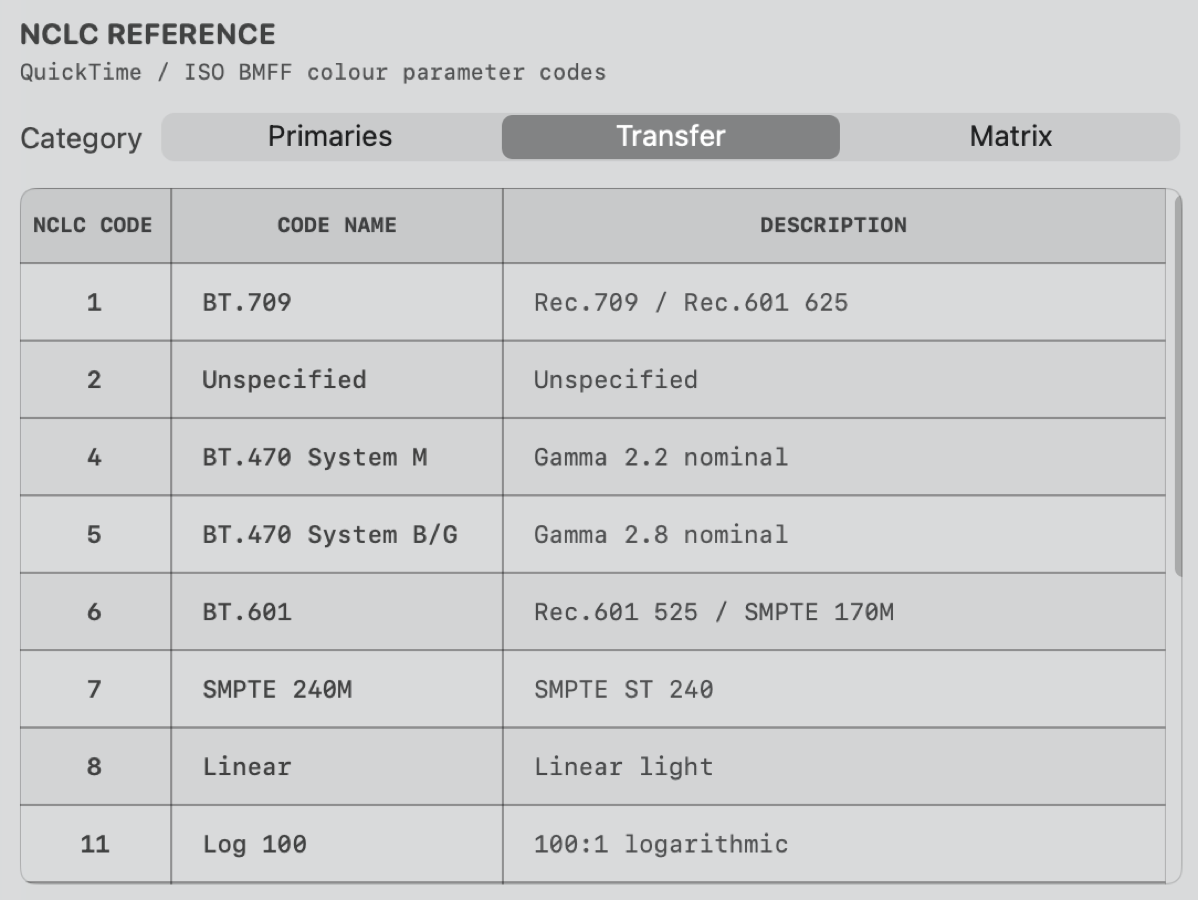
NCLCタグの3つの数字が表す内容を確認できます。
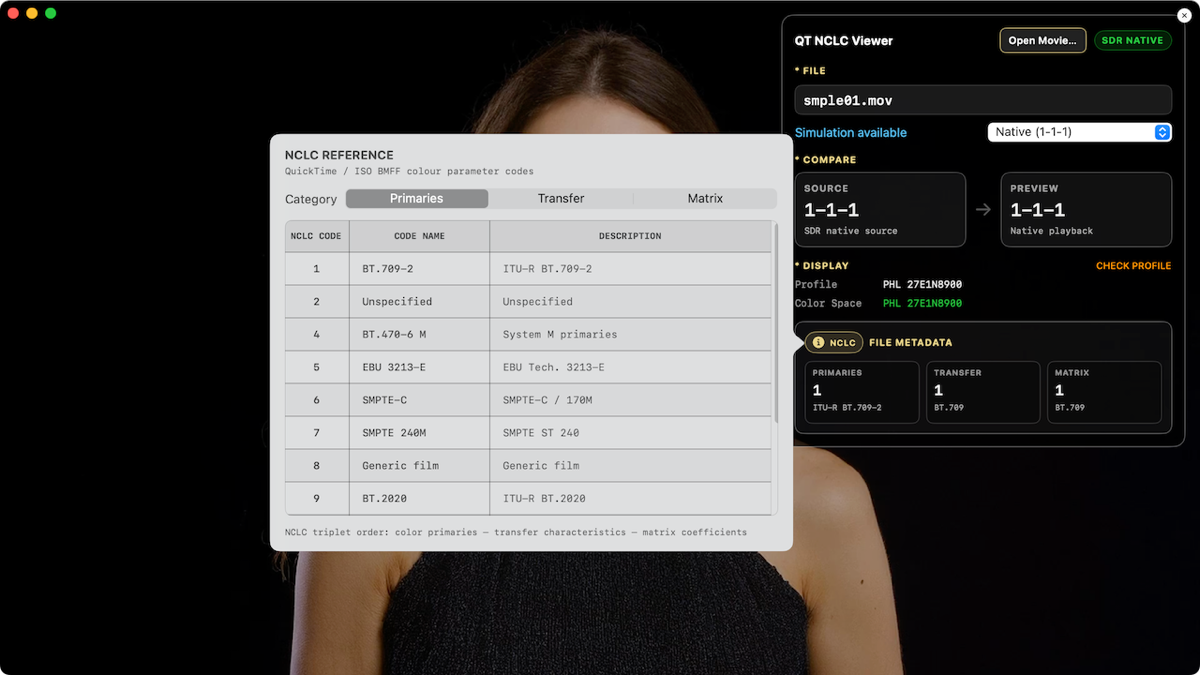
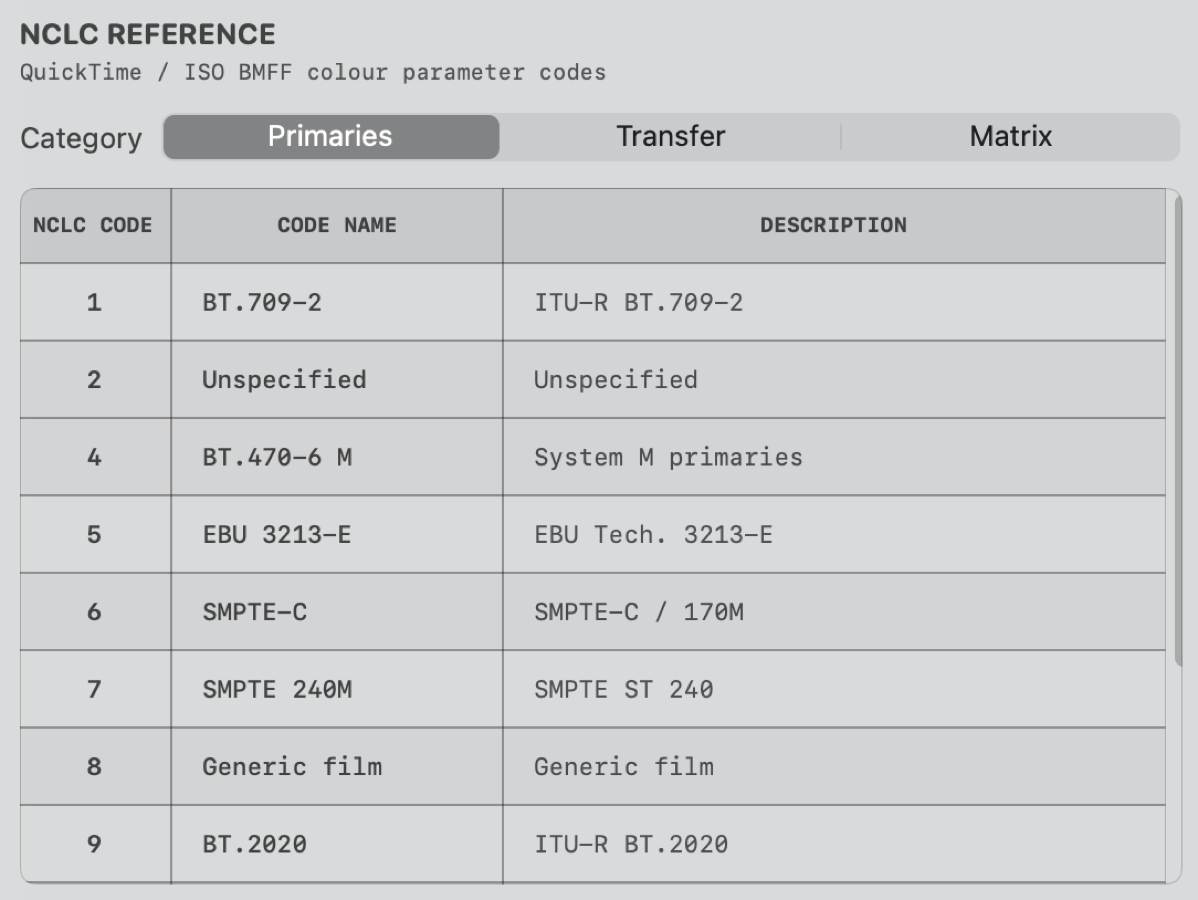
Primaries
Transfer
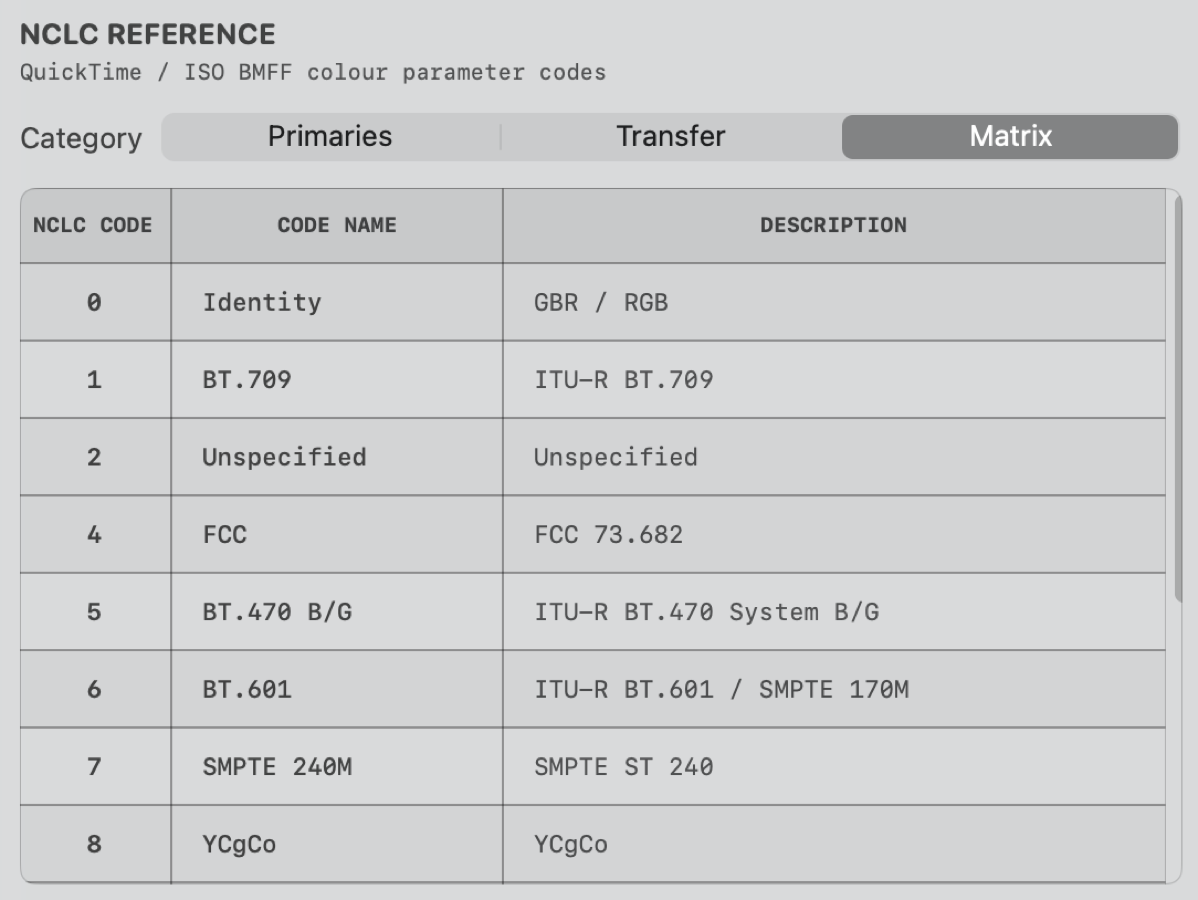
Matrix
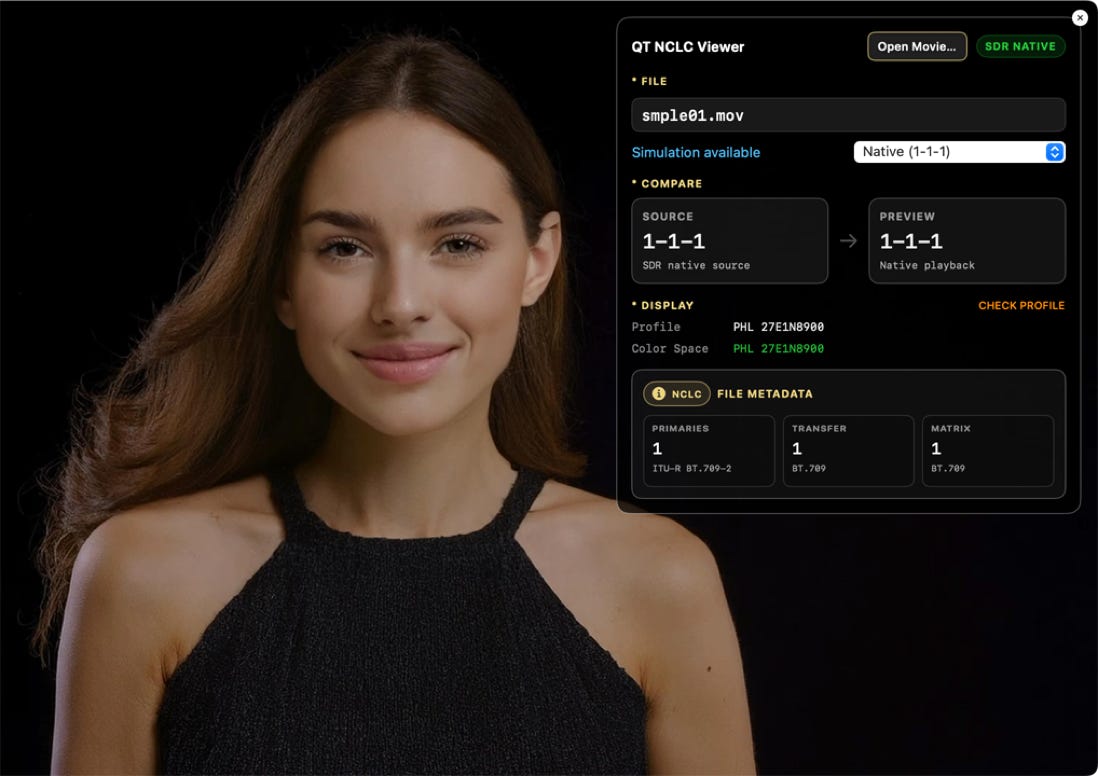
1-1-1 : Rec.709 Gamma 1.96
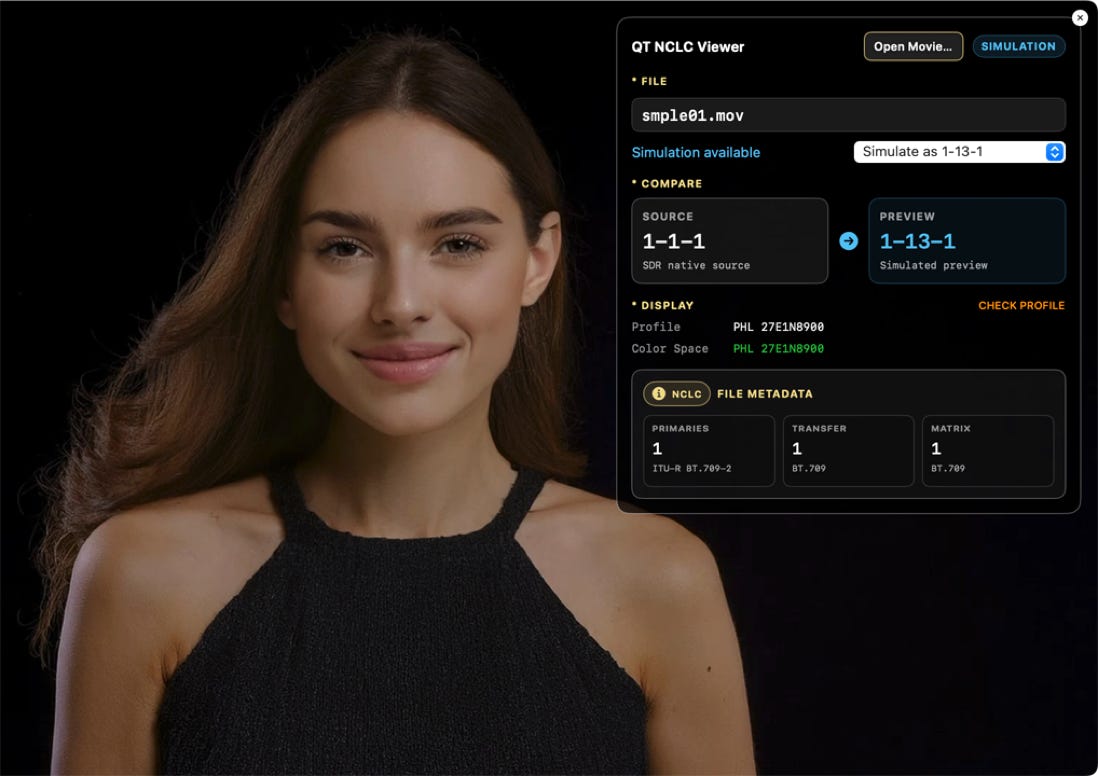
1-13-1 : sRGB
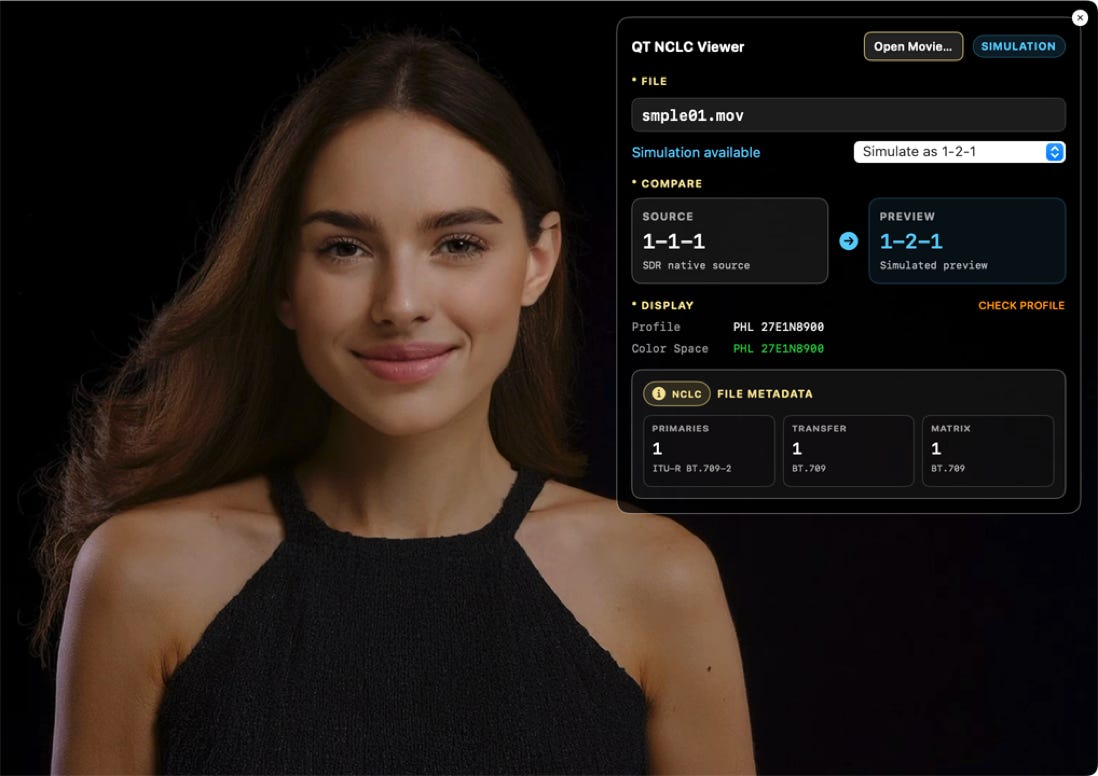
1-2-1 : Rec.709 Gamma 2.4
シミュレーションが無いNCLCでは、QuickTime Playerと同じ映像表示になります。
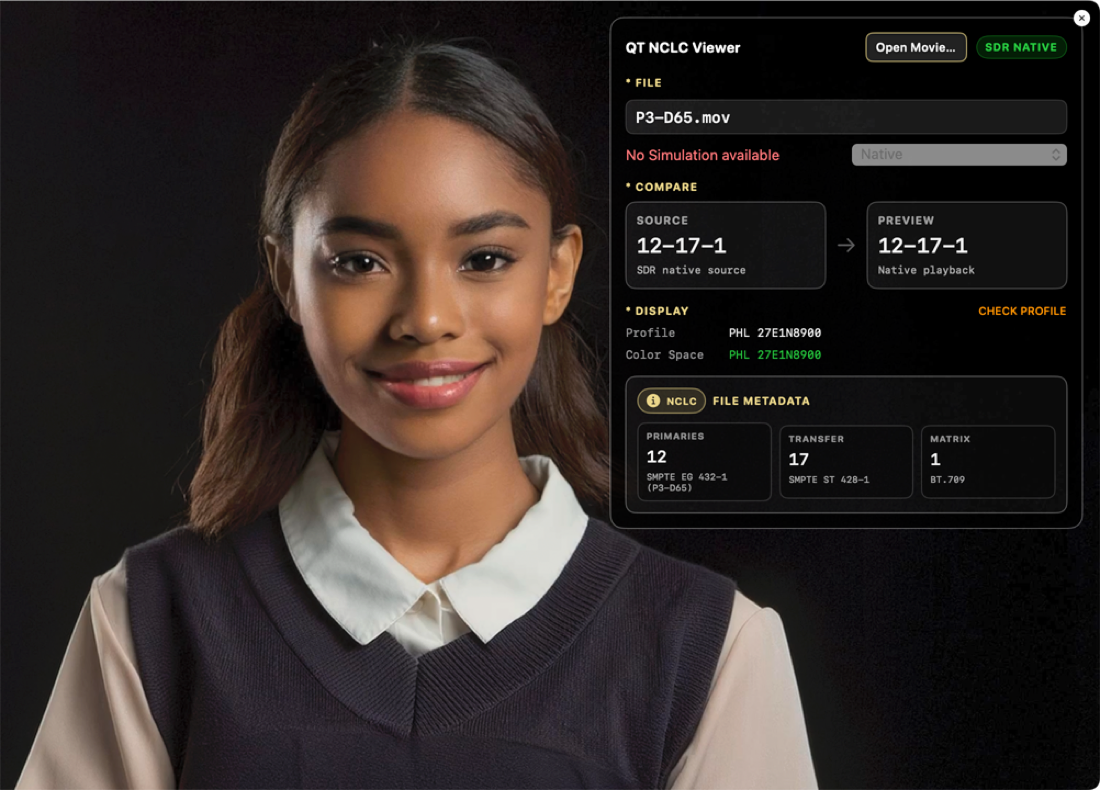
12-17-1 : P3-D65 Gamma 2.6
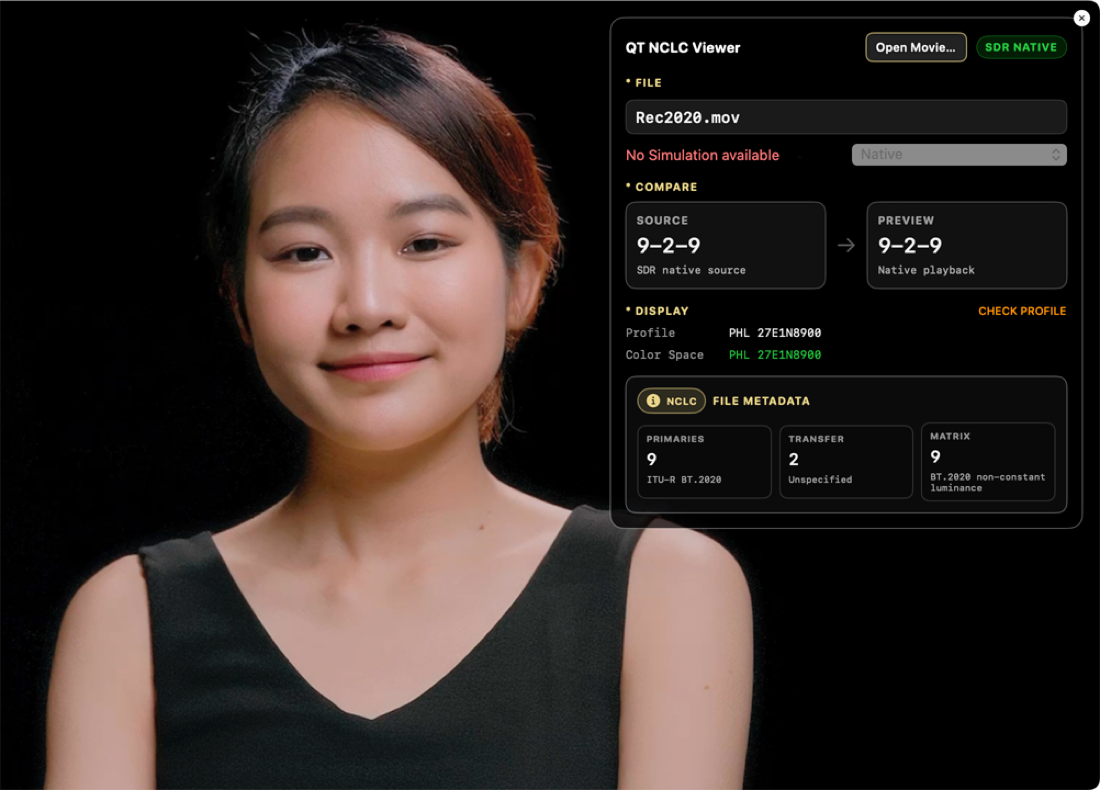
9-2-9 : Rec.2020 Gamma 2.4
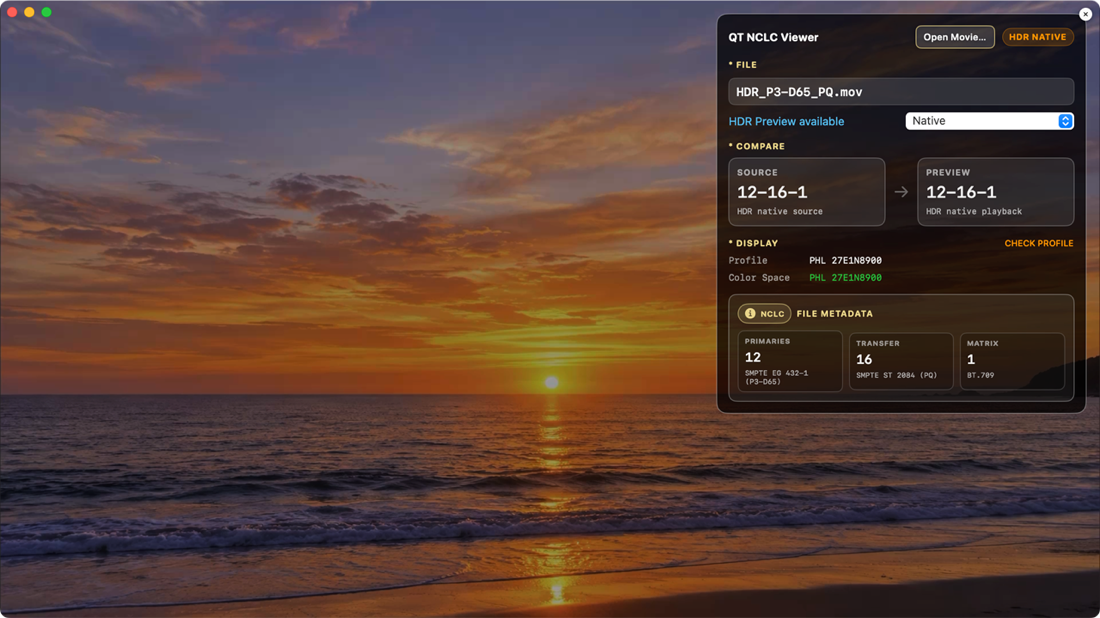
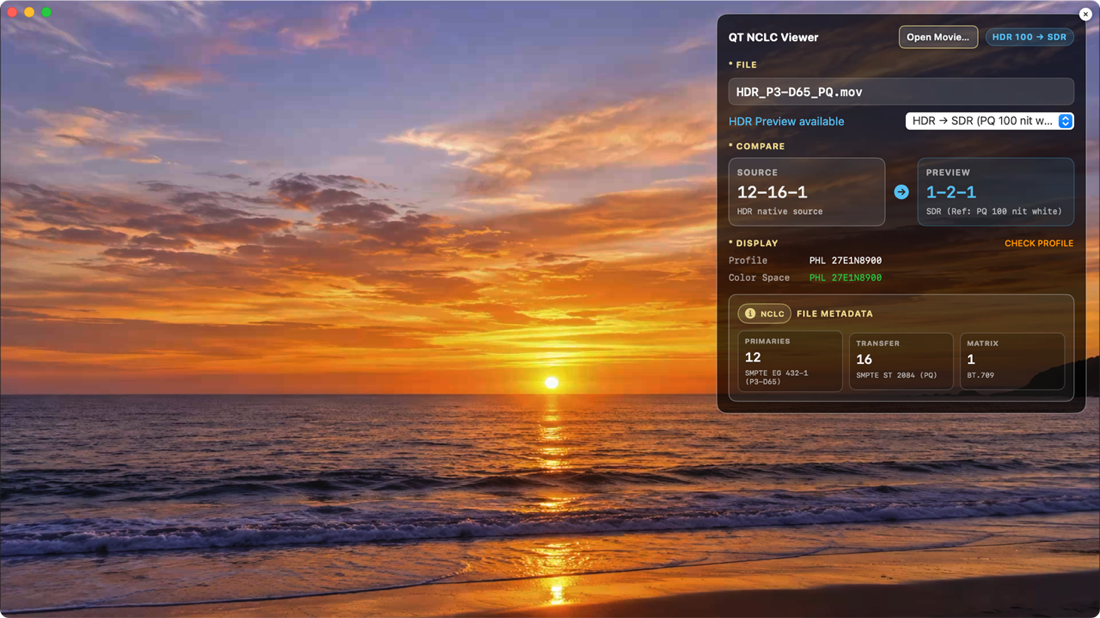
12-16-1 : P3-D65 PQ HDR (Ref. 100nit)
12-16-1 to 1-2-1 (Rec.709 Gamma 2.4)
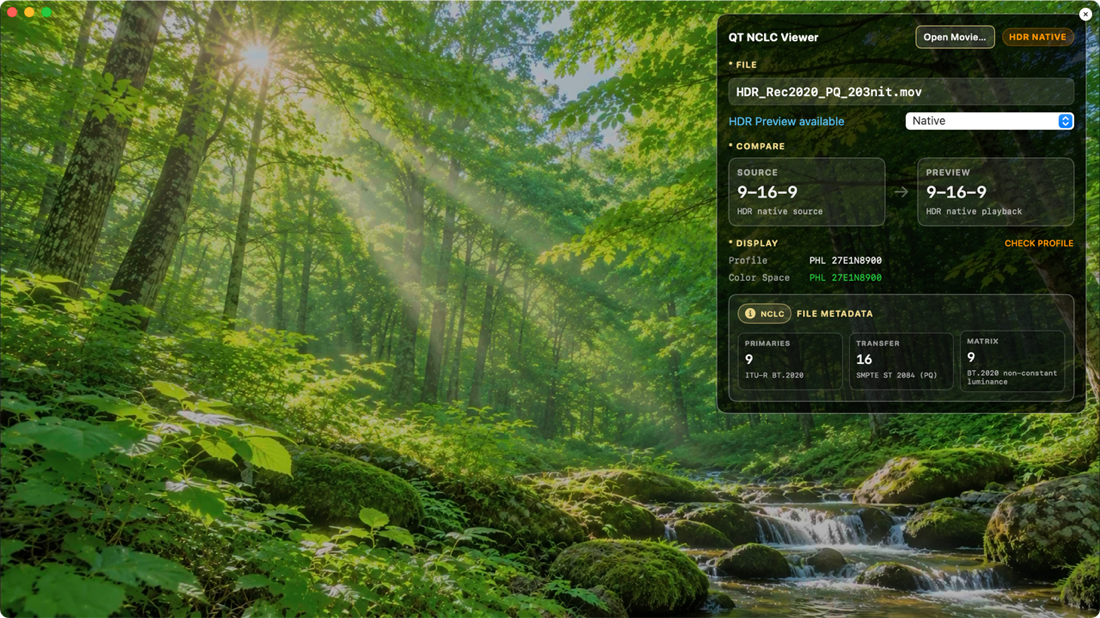

9-16-9 : Rec.2020 PQ HDR (Ref. 203nit)
9-16-9 to 1-2-1 (Rec.709 Gamma 2.4)

This app, simpleColor@sort, doesn't have any features of collecting customer identification data.
And internet connection feature isn't in this app.
We can not access all your data at all.
このアプリケーションは、ユーザーの使用データや個人情報は一切取得しません。
Support email from customers
When we receive a support email from you, your email address and the contents of it will not be
shared with anyone. We only use your information to respond you.
サポートへのメールを受け取った場合にも、他の誰とも内容を共有することはありません。
Other information of customers
We care deeply about other information that Apple provides us as Apple Developers.
Please refer to Apple Privacy Policy: